inpの数値をページに表示する方法
職場で web サイトにスマホ表示の inp の数値が高いという警告が出ていました。inp の数値は PC の検証モードには表示されているのですが、スマホでは検証モードが開けません。さてどうしたものかと思い、web ページに inp の数値を表示させることにしました。
web-vitals のモジュールを使う
web-vitals のモジュールを使えば、ipn の数値を取得して、ページに表示させることができます。下記がそのコードになります。
<script setup>
import { onMounted } from 'vue'

onMounted(async () => {
  const { onINP } = await import('https://unpkg.com/web-vitals@3?module')

  // INP(最大値更新時のみ)
  onINP((metric) => {
    updateBox(`🌐 INP更新: ${metric.value.toFixed(1)}ms(最大値)`)
    console.log('INP更新', metric)
  }, { reportAllChanges: true, buffered: true })

  // すべての操作イベントを監視
  if ('PerformanceObserver' in window) {
    const observer = new PerformanceObserver((list) => {
      for (const entry of list.getEntries()) {
        if (entry.entryType === 'event' && entry.duration > 0) {
          updateBox(
            `📱 イベント: ${entry.name}\n` +
            `⏱️ 時間: ${entry.duration.toFixed(1)}ms\n` +
            `ターゲット: ${entry.target?.tagName || '-'}\n`
          )
          console.log('操作イベント', entry)
        }
      }
    })
    observer.observe({ type: 'event', buffered: true, durationThreshold: 0 })
  }

  function updateBox(text) {
    let box = document.getElementById('inp-box')
    if (!box) {
      box = document.createElement('div')
      box.id = 'inp-box'
      Object.assign(box.style, {
        position: 'fixed',
        bottom: '10px',
        right: '10px',
        background: 'rgba(0,0,0,0.8)',
        color: 'white',
        padding: '10px',
        borderRadius: '8px',
        fontSize: '14px',
        zIndex: 9999,
        whiteSpace: 'pre-wrap',
        lineHeight: '1.4',
        maxWidth: '280px'
      })
      document.body.appendChild(box)
    }
    box.textContent = text
  }
})
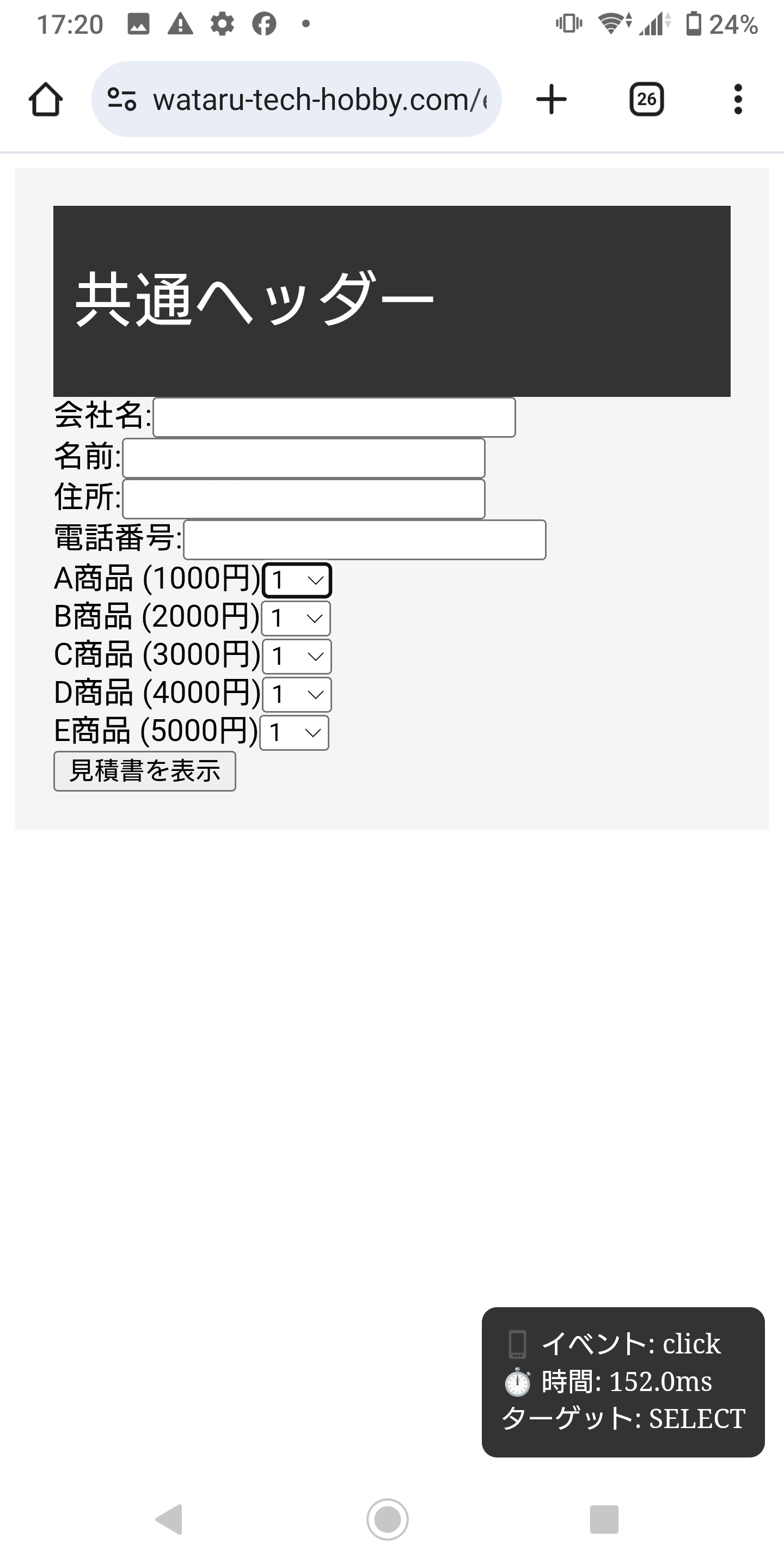
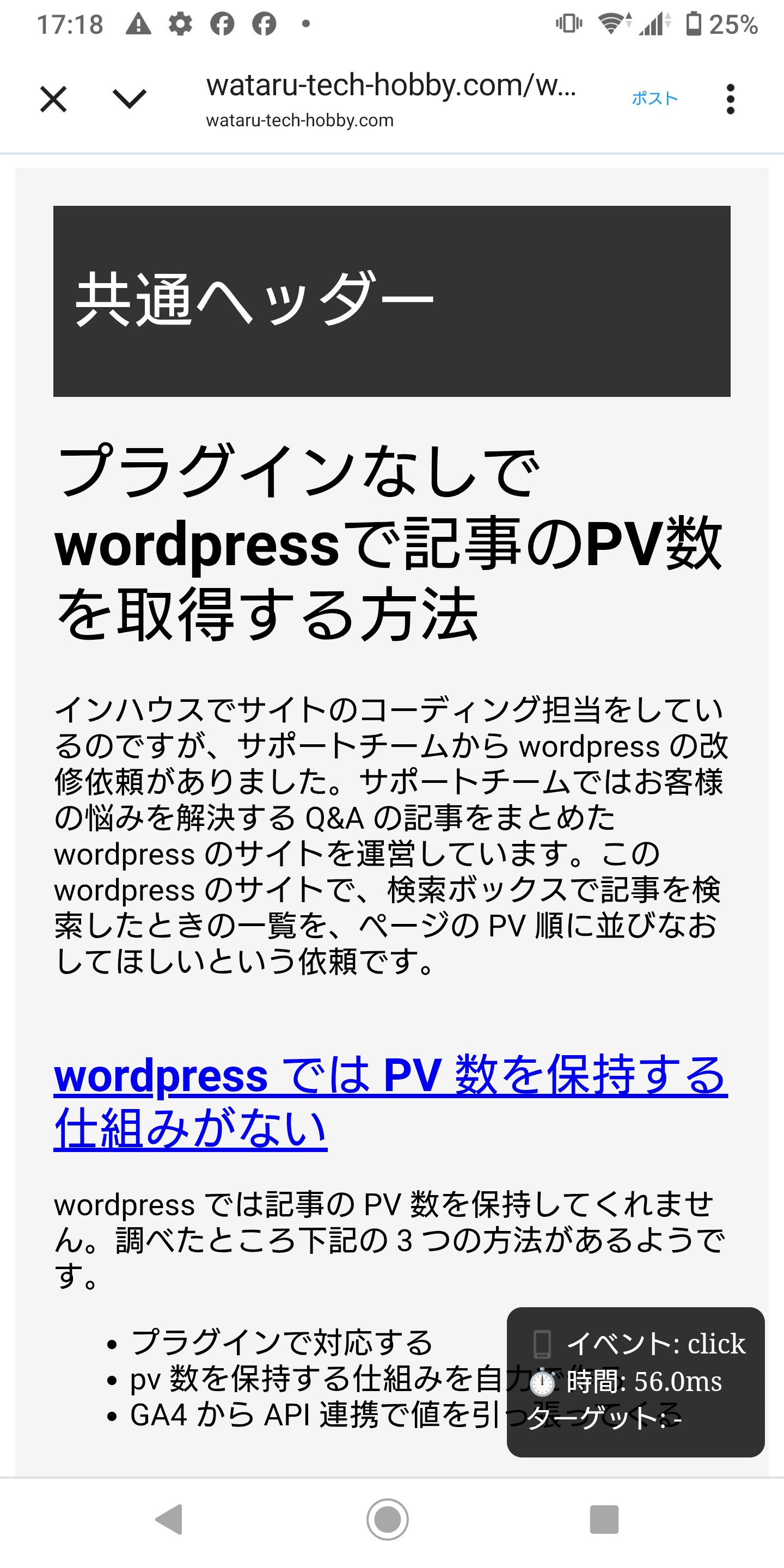
上記のコードでスマホ表示でも下記のようにページの右下に inp の数値が表示されます。